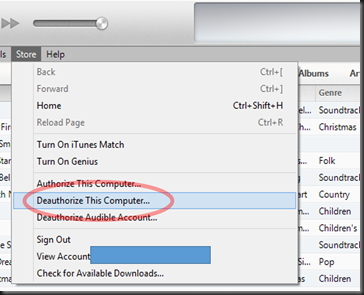
Then choose “Deauthorize This Computer”
Login to your iTunes account

iTunes will access your account to process your request.

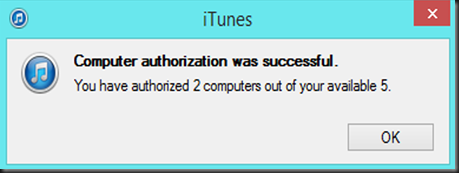
After a moment, you should see this dialog box confirming your computer is removed from your iTunes.

Now, to authorize a new computer, open iTunes on the new computer and press [ALT] and then choose “Store”
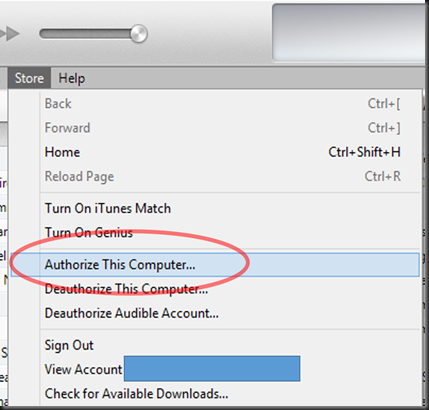
Then choose “Authorize This Computer”
Login to your iTunes account

Wait while iTunes processes your request.

After a moment, you should see a dialog box confirming your request.
Note: My account currently uses two computers, your dialog box will reflect the number of computer’s you have used. You can have up to 5 at a time.